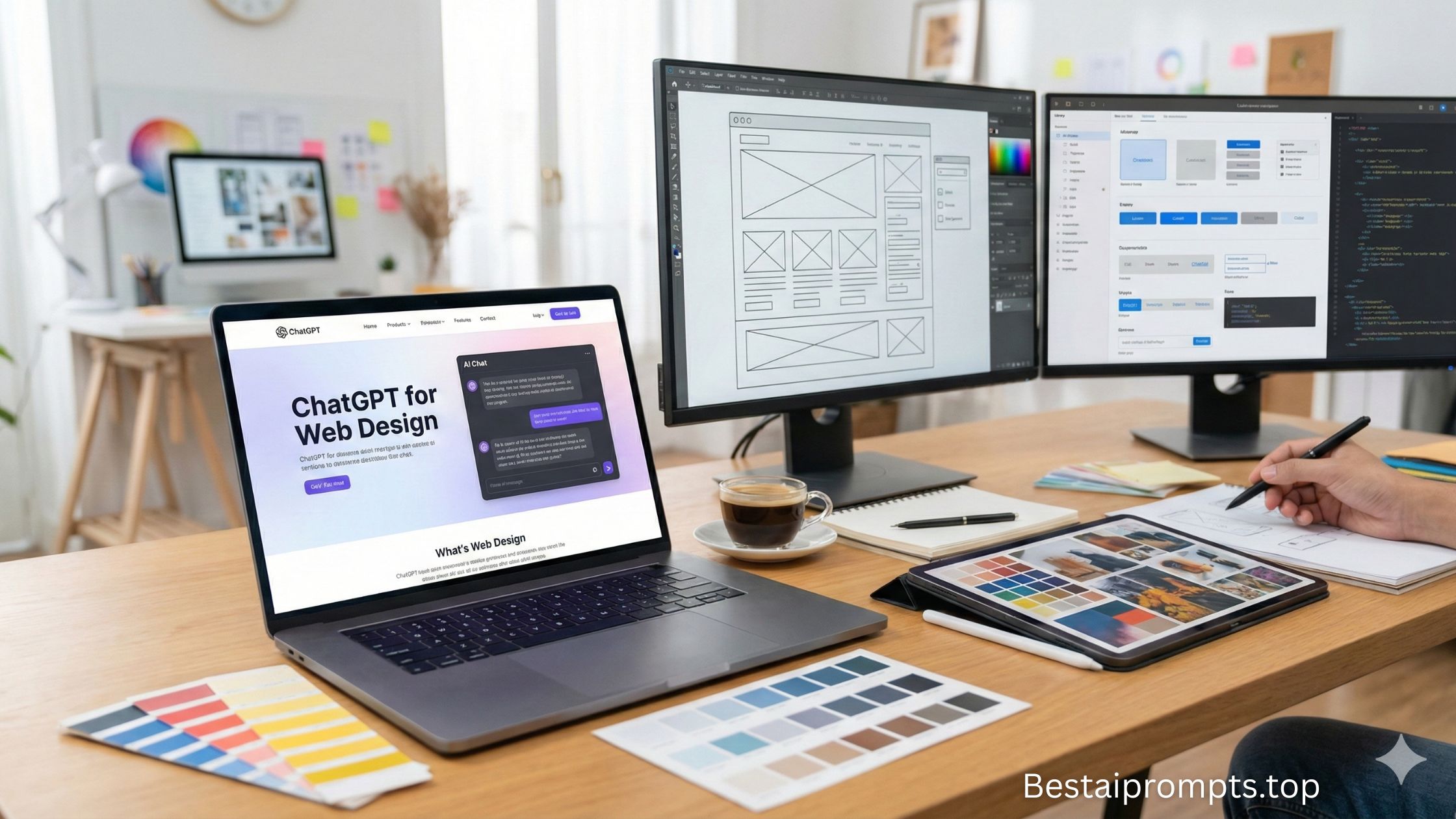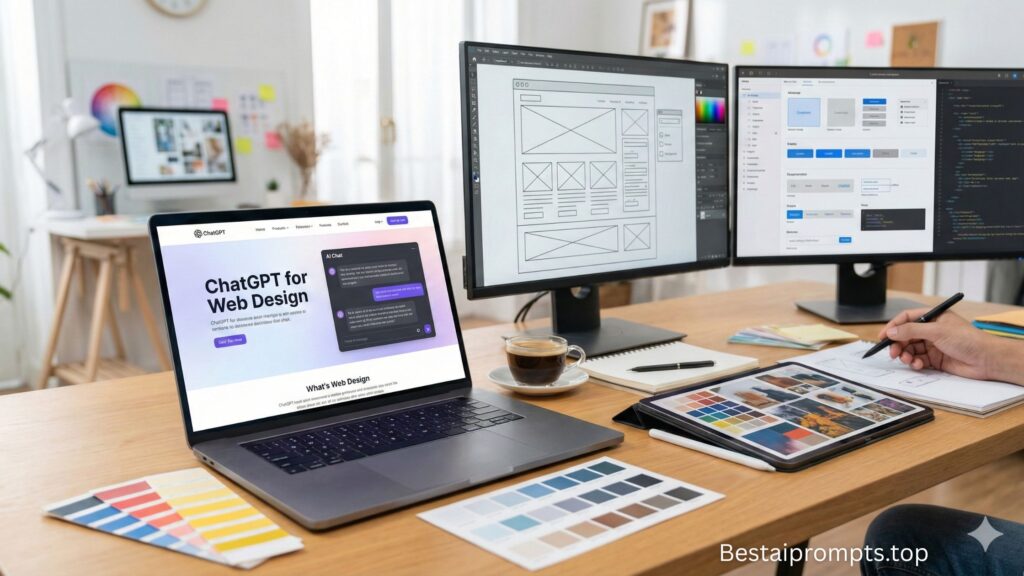






















Good websites are planned before they are coded.
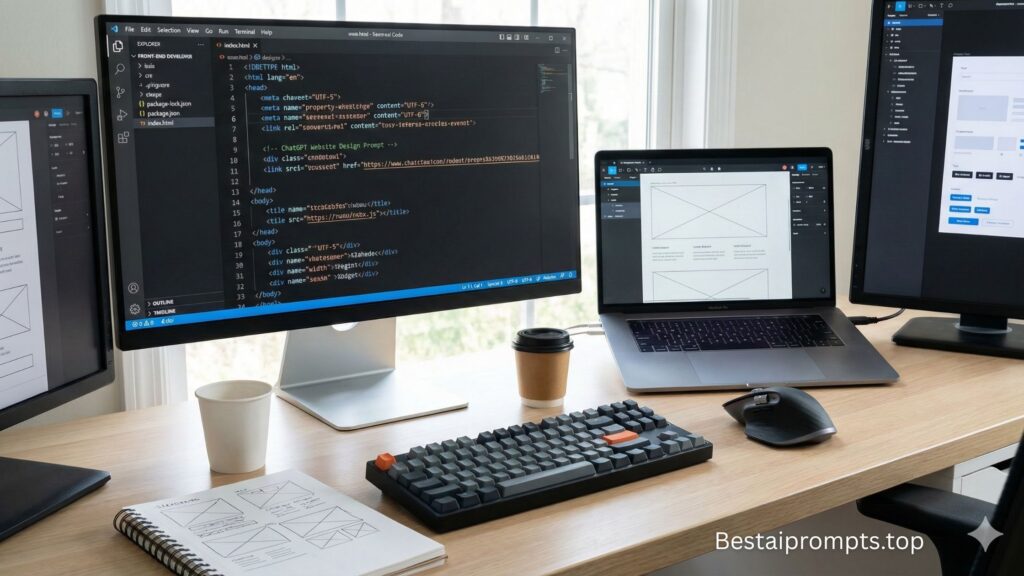
HTML website design becomes easier, faster, and more structured when you guide AI correctly. With the right ChatGPT prompt for website design HTML (Build Clean, Responsive Pages Faster) , you can generate layout ideas, semantic HTML structure, responsive sections, and developer-friendly guidance without messy or bloated code.

This article explains how to write effective prompts, why they work, and shares 10 copy-paste prompts to help you design HTML-based websites smartly and efficiently.
What Is a ChatGPT Prompt for Website Design HTML?
A ChatGPT prompt for website design HTML is a clear instruction that asks ChatGPT to think like a front-end developer and web designer. These prompts help you create:
- Semantic HTML structure
- Page-wise layout planning
- Responsive section ideas
- Clean and readable markup guidance
- Beginner-friendly HTML design flow
The result is organized HTML design thinking, not random code.
Why Use ChatGPT for HTML Website Design?
ChatGPT does not replace developers, but it works as a planning and structuring assistant. When used correctly, it helps you:
- Save time on layout decisions
- Avoid poor HTML structure
- Improve accessibility and semantics
- Design mobile-friendly pages
- Keep code clean and readable
A strong ChatGPT prompt for website design HTML turns AI into a front-end guide.
Core Elements of an Effective HTML Design Prompt
1. Website Type
Business site, portfolio, blog, landing page, or ecommerce.
2. Page Scope
Single page or multi-page layout.
3. HTML Focus
Semantic tags, accessibility, responsiveness.
4. Design Style
Minimal, modern, professional, or creative.
Best Prompt Structure for HTML Website Design
Use this proven format:
“Act as a front-end web designer. Create a clean HTML structure for a [website type]. Use semantic HTML5 elements, responsive layout logic, and developer-friendly organization.”
This structure works for almost every ChatGPT prompt for website design HTML.
10 ChatGPT Prompts for Website Design HTML (Copy-Paste Ready)
Prompt 1: Full HTML Website Structure
“Act as a front-end developer and create a clean, semantic HTML structure for a complete website with header, sections, and footer.”
Prompt 2: HTML Homepage Layout
“Design a homepage layout using semantic HTML tags with hero section, content blocks, and call-to-action areas.”
Prompt 3: Responsive HTML Design
“Create an HTML layout plan optimized for mobile-first and responsive design using proper structure.”
Prompt 4: Business Website HTML
“Generate a professional business website HTML structure focused on clarity, navigation, and accessibility.”
Prompt 5: Landing Page HTML Design
“Create a conversion-focused landing page structure using clean and minimal HTML.”
Prompt 6: Portfolio Website HTML
“Design a personal portfolio website layout using semantic HTML elements and simple section flow.”
Prompt 7: Blog Website HTML
“Create an HTML structure for a blog website with article layout, sidebar, and footer sections.”
Prompt 8: Ecommerce HTML Layout
“Design an ecommerce product page HTML structure with clean sections and logical hierarchy.”
Prompt 9: Accessibility-Friendly HTML
“Create an HTML design structure that follows accessibility best practices and semantic markup.”
Prompt 10: HTML Website Redesign Plan
“Analyze an old website and suggest a modern HTML redesign structure with improved layout flow.”
Each ChatGPT prompt for website design HTML above is beginner-friendly and developer-approved.
Where These HTML Design Prompts Are Most Useful
- Static HTML websites
- Front-end development projects
- Web design learning
- Freelancer client work
- Rapid prototyping
They help maintain structure before styling with CSS or JS.
Tips to Get Better HTML Design Results from ChatGPT
- Ask for structure before styling
- Mention semantic HTML explicitly
- Keep prompts clear and short
- Request section-by-section output
Planning first leads to cleaner code later.
Conclusion
A well-written ChatGPT prompt for website design HTML helps you build websites that are clean, structured, responsive, and easy to maintain. Instead of guessing layouts or rewriting messy code, smart prompts let you design with clarity and confidence.
👉 Visit again: bestaiprompts.top
💬 Comment below or submit your prompt if you tried any of these or created a better one. Your experience helps others design smarter with AI.