

















Old Photo to New Photo AI Prompt – 10 Powerful Prompts to Restore Vintage Pictures Instantly

restore old photo
colorize old black & white image

Have you ever found an old photo of your grandparents or childhood memories that looks faded, blurry, or damaged? Many precious photographs lose their quality over time. Scratches, faded colors, and grainy textures can make these memories hard to enjoy.

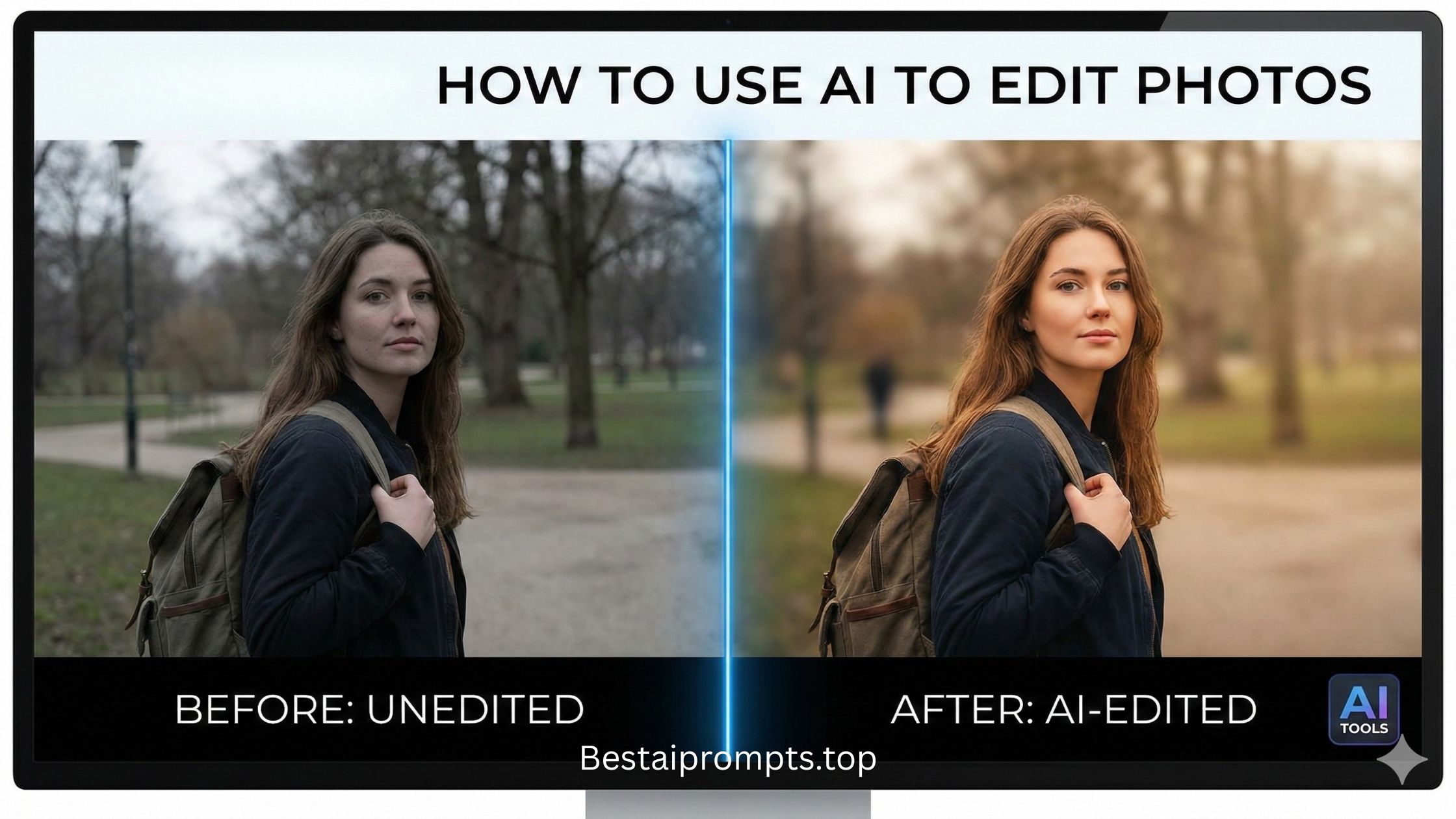
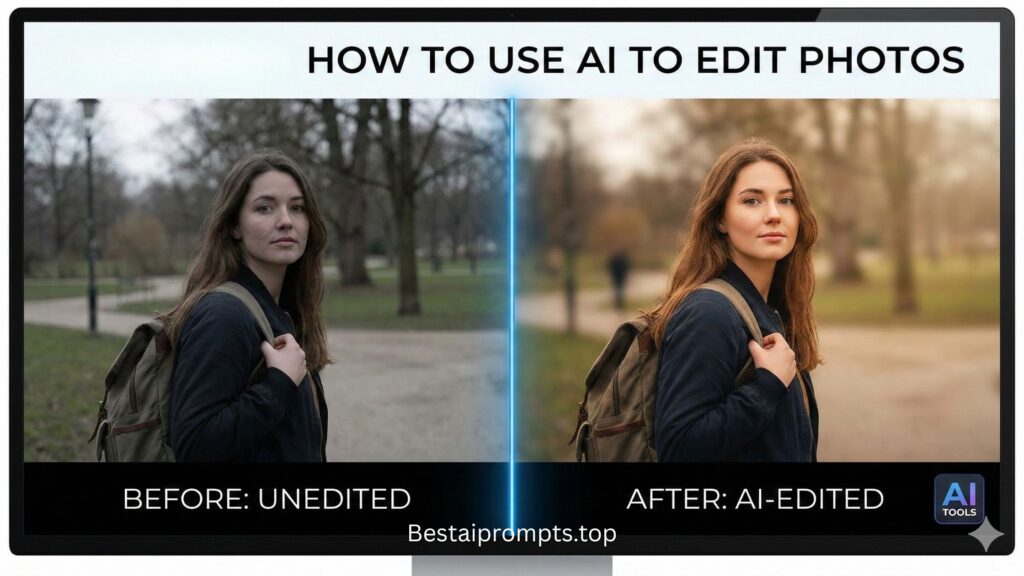
Today, AI photo restoration tools can transform old photos into clear and vibrant images. With the right old photo to new photo AI prompt, you can restore vintage pictures, enhance details, and even colorize black-and-white images in seconds.

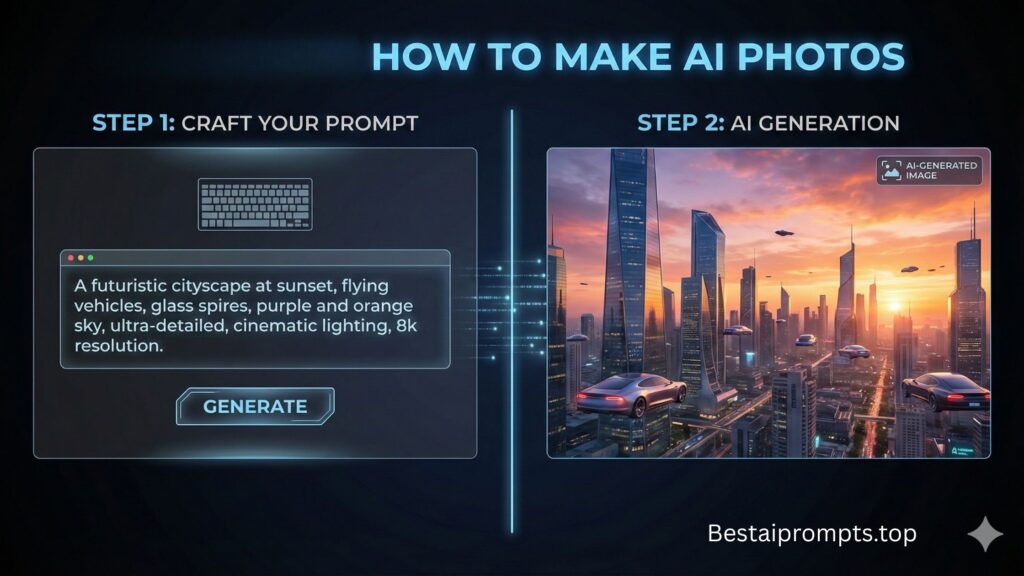
In this guide, you will discover 10 powerful AI prompts that actually work for converting old photos into modern high-quality images. These prompts work with tools like Midjourney, DALL·E, Leonardo AI, and other AI image enhancers.

What is an Old Photo to New Photo AI Prompt?

An old photo to new photo AI prompt is a detailed instruction given to an AI image generator or photo restoration tool. The prompt tells the AI how to improve the image.

It may include instructions like:

  • restore scratches
  • sharpen blurry faces
  • colorize black-and-white photos
  • enhance lighting
  • increase resolution

A good prompt helps AI understand exactly how to recreate the photo with modern quality.

Why Use AI to Restore Old Photos?

AI restoration is becoming popular because it saves time and delivers impressive results.

Key Benefits

1. Restores damaged photographs
Old photos with cracks or stains can be repaired digitally.

2. Improves image quality
AI sharpens faces, clothing, and background details.

3. Adds natural colors
Black-and-white images can become realistic color photos.

4. Upscales resolution
Low-quality pictures can be converted into HD images.

5. Preserves family memories
Important moments become clear and shareable again.

Tips for Writing a Good Old Photo Restoration Prompt

Before using the prompts below, remember these simple tips.

Use clear instructions

Tell the AI exactly what you want to improve.

Mention restoration details

Include words like restore, enhance, colorize, remove scratches, high resolution.

Add lighting and quality instructions

This helps the AI produce realistic results.

Keep the subject natural

Avoid extreme edits that change the original identity of the photo.

10 Working Old Photo to New Photo AI Prompts

Below are tested prompts that work with most AI image tools.

Prompt 1 – Basic Photo Restoration

Restore this old photograph, remove scratches and dust, enhance facial details, improve lighting, sharpen the image, natural skin tones, high resolution, realistic photography

Prompt 2 – Vintage Photo Enhancement

Convert this vintage photo into a modern high-quality image, remove damage and fading, sharpen faces, improve contrast, cinematic lighting, ultra realistic

Prompt 3 – Black and White to Color Photo

Colorize this black and white old photo, realistic skin tones, natural clothing colors, restore damaged areas, enhance clarity, 4K photo quality

Prompt 4 – Family Photo Restoration

Restore an old family photograph, remove cracks and scratches, enhance facial features, improve brightness and contrast, professional photo restoration, ultra detailed

Prompt 5 – HD Photo Upgrade

Upscale this old photo to modern HD quality, remove noise and blur, sharpen details, realistic lighting, professional photography style

Prompt 6 – Damaged Photo Repair

Repair damaged vintage photo, remove stains and tears, reconstruct missing details, sharpen faces, natural textures, high resolution restoration

Prompt 7 – Antique Photo Modernization

Transform an antique photo into a modern digital photograph, restore colors, enhance sharpness, realistic lighting, ultra HD

Prompt 8 – Portrait Restoration

Restore an old portrait photograph, sharpen eyes and facial details, remove grain and scratches, enhance skin texture, studio lighting

Prompt 9 – Historical Photo Enhancement

Enhance historical photograph, remove aging marks, increase clarity, balanced colors, professional restoration, 4K image quality

Prompt 10 – Ultra Realistic Restoration

Old photo restoration, remove noise, repair scratches, color correction, realistic lighting, ultra detailed, high resolution photography

Future Image Prompt (Example for AI Image Generators)

You can also generate visual examples using this prompt.

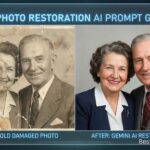
Split screen comparison of old photo and restored photo, left side faded vintage photograph with scratches and dust, right side fully restored colorful modern image, ultra realistic, 4K quality, dramatic transformation

Screenshot Examples of Old Photo Restoration

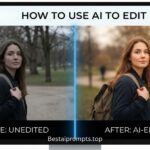
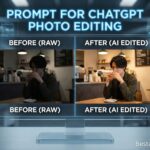
1. Before vs After Restoration

letsenhance images
Image

2. Colorized Black & White Photo

restore old new photo
Image

3. Damaged Photo Repair

Image
old bad image restore

4. HD Enhancement

Image
Image

5. Vintage Portrait Restoration

Image

Best Tools to Use These Prompts

These prompts work best with modern AI tools such as:

Most tools allow you to upload an image and apply a prompt-based enhancement.

Conclusion

Old photographs hold memories that deserve to be preserved. With the help of the right old photo to new photo AI prompt, anyone can transform faded pictures into clear, vibrant, modern images.

The prompts shared in this guide will help you restore scratches, enhance clarity, colorize photos, and upscale resolution quickly using AI tools.

If you enjoy discovering powerful AI prompts like these, make sure to visit again at 👉 bestaiprompts.top for more creative and useful prompts.

Have you tried any of these prompts?
Comment below and share your results, or submit your own AI prompt experience with us!

Spread the love

2 Comments

  1. Hey, I think your site might be having browser compatibility issues.

    When I look at your blog site in Safari, it looks fine but when opening in Internet Explorer, it has some overlapping.
    I just wanted to give you a quick heads up! Other then that, wonderful blog!

Comments are closed