


















Great photos start with clear instructions.
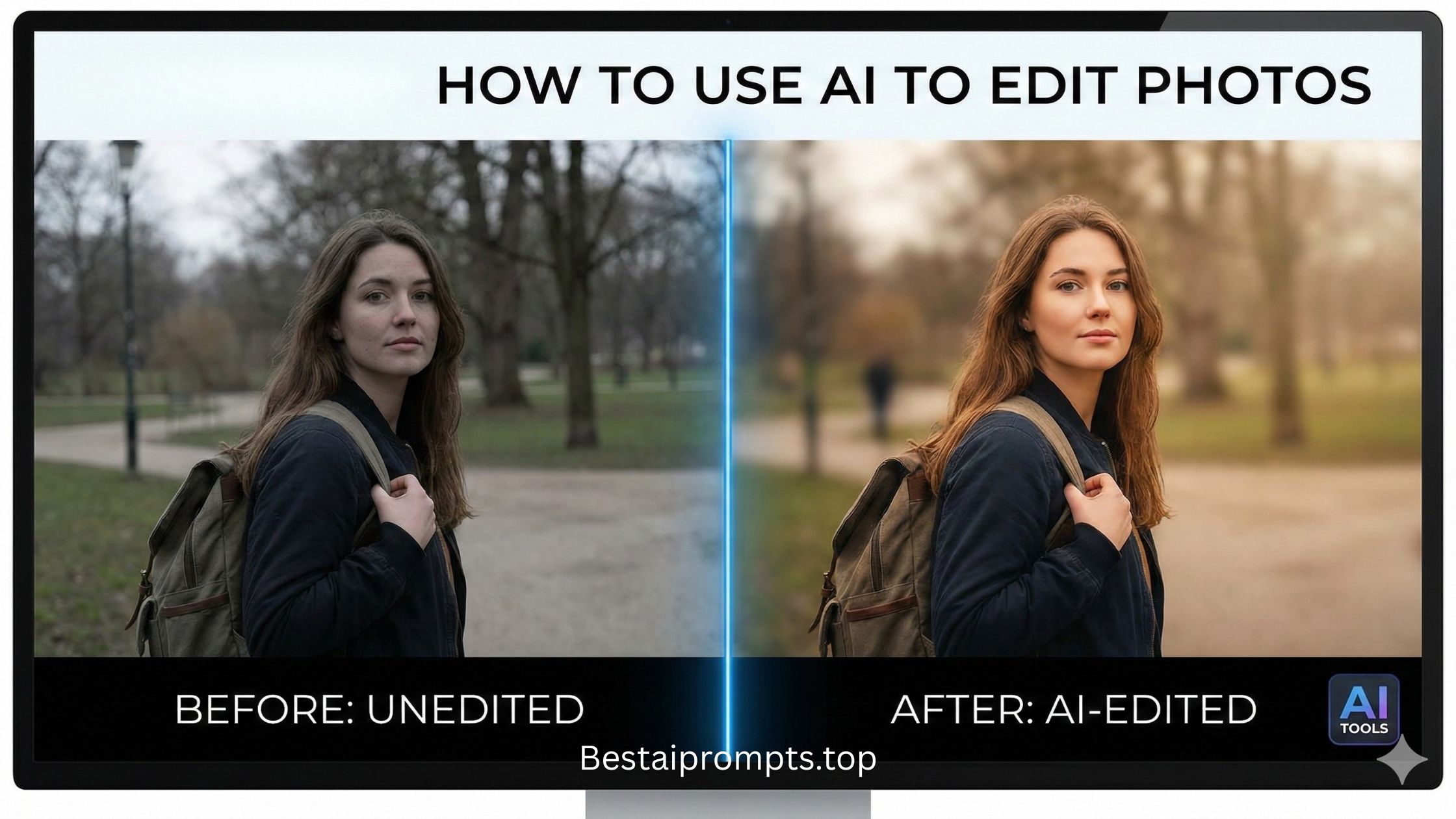
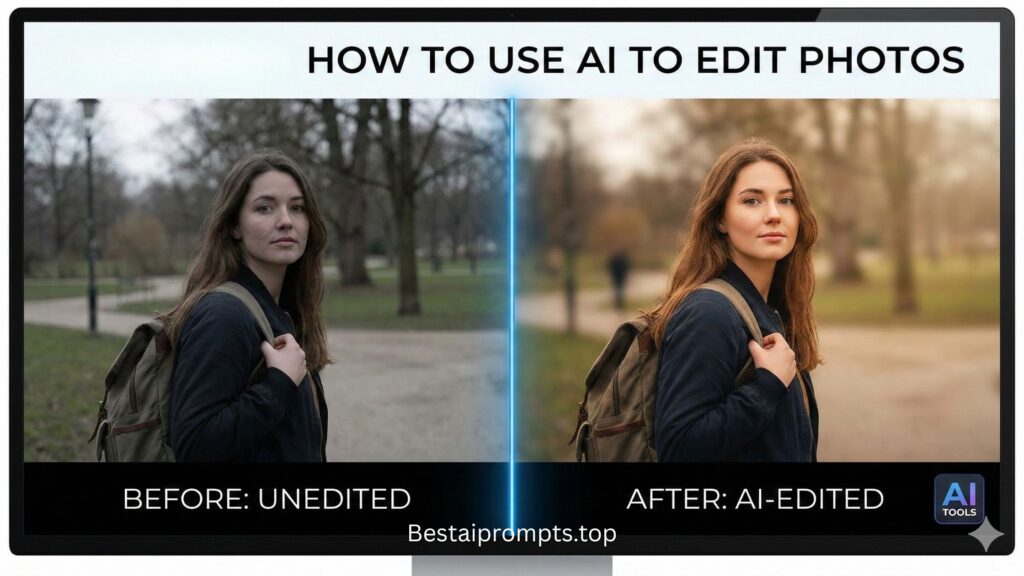
AI photo editing is no longer limited to designers or advanced tools. With the right prompt for ChatGPT photo editing, Get Professional Results with Simple Commands, you can describe exactly how an image should look and get clean, realistic, and professional results—fast. Whether you want background removal, color correction, portrait enhancement, or creative edits, everything depends on how well you write the prompt.

This article explains how to write effective photo editing prompts, shares 10 ready-to-use examples, and helps you get consistent results without keyword stuffing or technical confusion.
What Is a Prompt for ChatGPT Photo Editing?
A prompt for ChatGPT photo editing is a clear text instruction that tells ChatGPT (or ChatGPT connected to image tools) how an image should be edited. The prompt defines:
- What to change
- What to keep the same
- The style and quality you want
- The final use of the image
The clearer the prompt, the better the output.
Why Prompt Quality Matters in Photo Editing
ChatGPT follows instructions literally. If your prompt is vague, results feel random. A strong prompt helps:
- Maintain original image details
- Avoid over-editing
- Achieve realistic results
- Save time and revisions
Using the right prompt for ChatGPT photo editing turns AI into a reliable editing assistant.
Key Elements of a High-Quality Photo Editing Prompt
1. Editing Goal
Mention exactly what you want: background removal, enhancement, retouching, or style change.
2. Preservation Instruction
Clearly state what should NOT change, such as face, pose, or clothing.
3. Style & Quality
Natural, cinematic, studio-quality, realistic, or minimal.
4. Final Usage
Social media, ecommerce, profile photo, or print.
Best Prompt Structure for ChatGPT Photo Editing
Use this simple structure:
“Edit this photo by [specific change]. Keep [important details] unchanged. Improve overall quality with natural lighting, realistic colors, and clean details. Make it suitable for [final use].”
This structure works for almost every prompt for ChatGPT photo editing.
10 Ready-to-Use Prompts for ChatGPT Photo Editing
Prompt 1: Background Removal
“Remove the background from this photo and replace it with a clean white background. Keep the subject sharp and natural.”
Prompt 2: Portrait Enhancement
“Enhance this portrait by improving lighting and clarity. Keep facial features natural and realistic.”
Prompt 3: Skin Retouching
“Smooth skin naturally without changing facial structure. Remove minor blemishes and keep skin texture realistic.”
Prompt 4: Color Correction
“Correct colors in this photo to look natural and balanced. Avoid over-saturation.”
Prompt 5: Old Photo Restoration
“Restore this old photo by removing scratches and blur. Keep original facial details unchanged.”
Prompt 6: Ecommerce Product Edit
“Edit this product image for ecommerce. Clean background, accurate colors, and soft natural shadow.”
Prompt 7: Cinematic Look
“Apply a cinematic style with soft contrast, balanced shadows, and realistic tones.”
Prompt 8: Social Media Ready
“Enhance this image for social media. Improve brightness, sharpness, and overall visual appeal.”
Prompt 9: Black and White Conversion
“Convert this photo to black and white with balanced contrast and preserved details.”
Prompt 10: Minimal Professional Edit
“Make a clean, professional edit with natural lighting and minimal changes.”
Each prompt for ChatGPT photo editing above is simple, effective, and beginner-friendly.
Best Use Cases for Photo Editing Prompts
- Profile pictures and DP photos
- Ecommerce product images
- Old photo restoration
- Social media content
- Blog and website visuals
Clear prompts ensure consistent results across all use cases.
Tips to Get Better Photo Editing Results
- Be specific, not long
- Mention what should stay unchanged
- Avoid conflicting instructions
- Test small changes step by step
Simple prompts often work better than complex ones.
Conclusion
A powerful prompt for ChatGPT photo editing is the key to realistic, clean, and professional results. When you clearly explain your goal and protect important details, AI editing becomes simple and reliable. Start with the prompts above, customize them for your needs, and save hours of manual work.
👉 Visit again: bestaiprompts.top
💬 Comment below or submit your prompt if you tried any of these or created your own. Your experience can help others edit smarter with AI.